
Navigation buttons
Main buttons in the application
Save Saves all additions or changes made.
 Add Allows creating and adding new items.
 Refresh Reloads the display if changes were made since opening the sheet.
 Delete Permanently deletes the selected item.
Other useful features
 Filter Allows filtering the display of information based on specific criteria.
 Tooltip Displays the tooltip linked to the cell to provide essential information.
 Details Allows viewing the details of the cell.

 Selection A blue underline indicates that the section is currently selected.
 Unsaved changes A dot on a tab indicates unsaved additions or changes. If you close the app, a reminder message will appear to prevent any loss! 😉
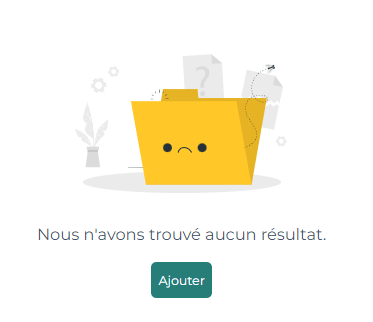
"No items in the selected folder" 📬 Indicates that there is nothing in the current folder. You can use the button Add to create new ones.
- Verification: The list of items is completely empty.
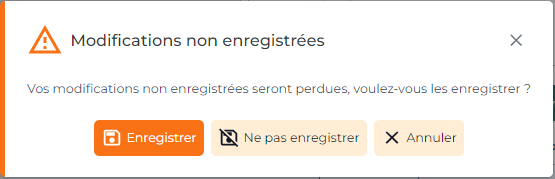 Confirmation message on closing ⚠️ Appears if you leave a sheet without saving your changes, asking if you want to save before closing. 😉
- Verification: A pop-up window appears with save options upon leaving.
 Sigabill is an application developed by SIGA Informatique 2000 inc,